Before you contact the team
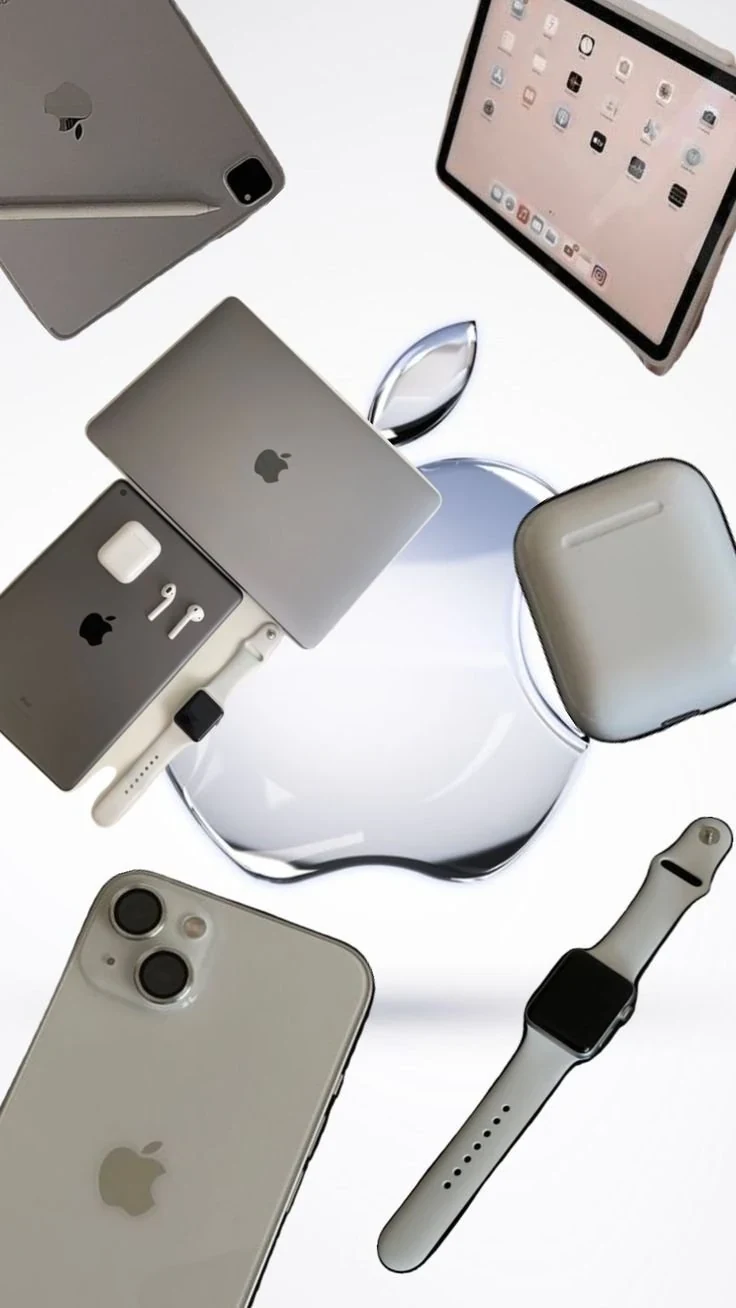
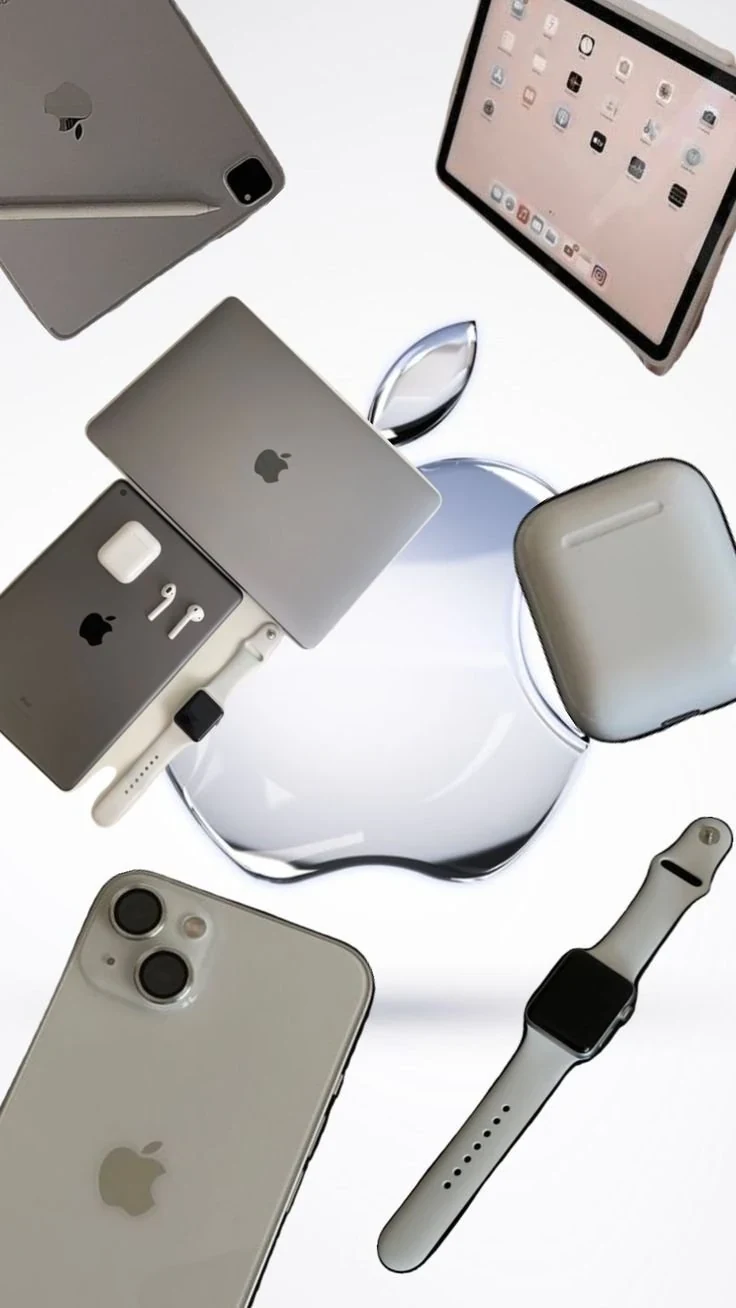
Identify your iPhone, iPad, MacBook or Apple Watch model and write down the issue. Note any drop, liquid exposure, update or accessory problem. Back up important data where possible.
At the assessment
Ask what will be checked, whether an inspection fee applies and when you can expect an update. Confirm which proposed repair addresses the diagnosis. Do not assume every fault or model can be repaired.
Before approving work
Request the complete quote, part details, expected turnaround and applicable warranty. Ask about data handling and whether the repair could affect an existing manufacturer warranty. No Apple certification or authorised-service status is claimed by this site.
When collecting the device
Check the repaired functions with the technician, keep the invoice and understand the follow-up process. For a visit to iTech Plus, call ahead to confirm opening hours at the Ashok Nagar address.
Explore repair services or contact iTech Plus.